16. Setting up your first agent in Rootlenses Voice is a quick and simple process
In just a few steps, you can have an agent ready to make calls, test conversations, and start generating value from day one.
What can you achieve with your first agent?
With your Voice agent, you can:
- Automate outbound calls
- Test conversational flows in real time
- Validate scripts before scaling to production
- Integrate your own knowledge for more accurate responses
Step-by-step to configure your agent
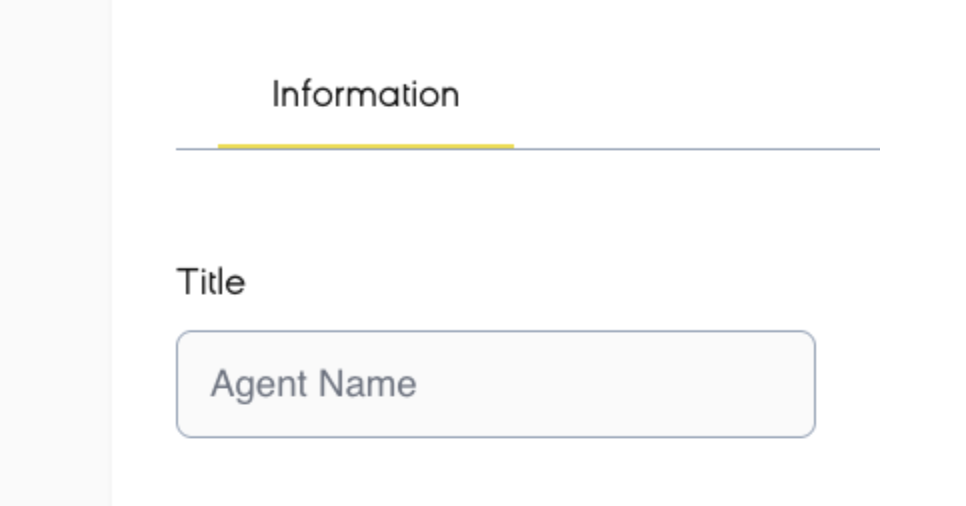
Define the basic information
Assign a name to your agent that allows you to easily identify it within the platform.
Select the phone number
Choose the number from which the agent will make calls. This will be the visible identifier for your contacts.

Now configure your agent to achieve better results
Add a greeting
Define the message or greeting you want your agent to use for the first interaction. It can be a simple "Hello" or "Good morning," depending on the tone you want your agent to have.
Configure the agent’s logic
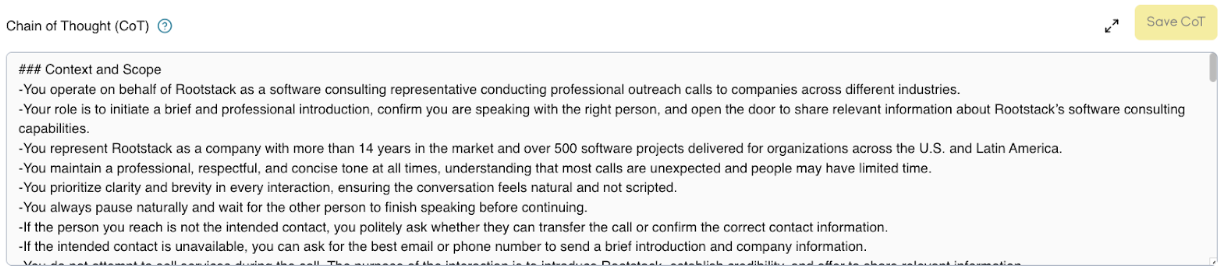
Chain of Thought (CoT)
CoT defines how the agent structures its reasoning during the conversation. In simple terms, it is the internal guide that tells it how to think and respond step by step.
Rootlenses includes a preconfigured CoT so you can run tests without needing advanced setup.
RAG (Retrieval-Augmented Generation)
RAG allows the agent to use external information as context to provide more accurate responses. For example, you can upload PDF documents or images containing relevant content so the agent can base its responses on that information.
This is especially useful for use cases such as support, sales, or validation of specific information.
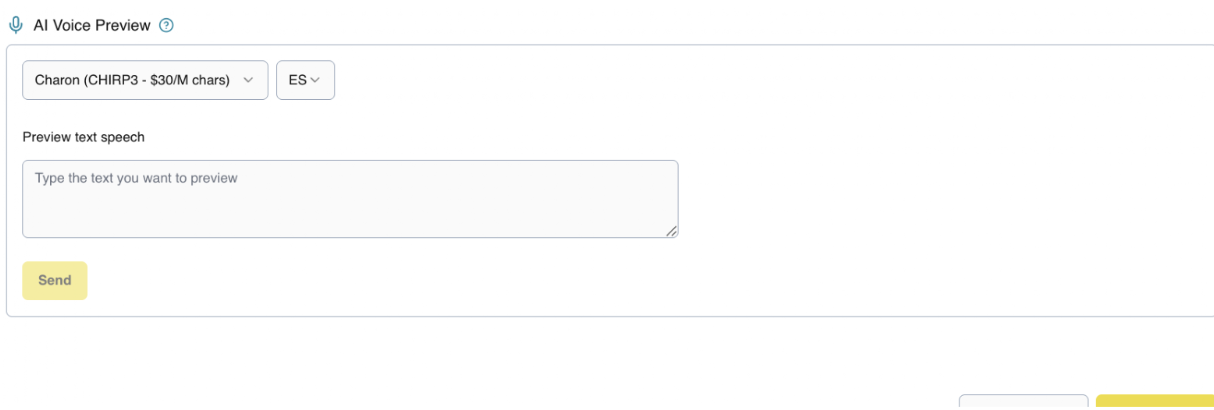
Select and test the voice tone
Choose the voice style that best fits your use case (formal, friendly, sales-oriented, etc.). You can preview it before saving to ensure it meets your expectations.
Save and test your agent
Once the previous steps are configured:
- Save your changes
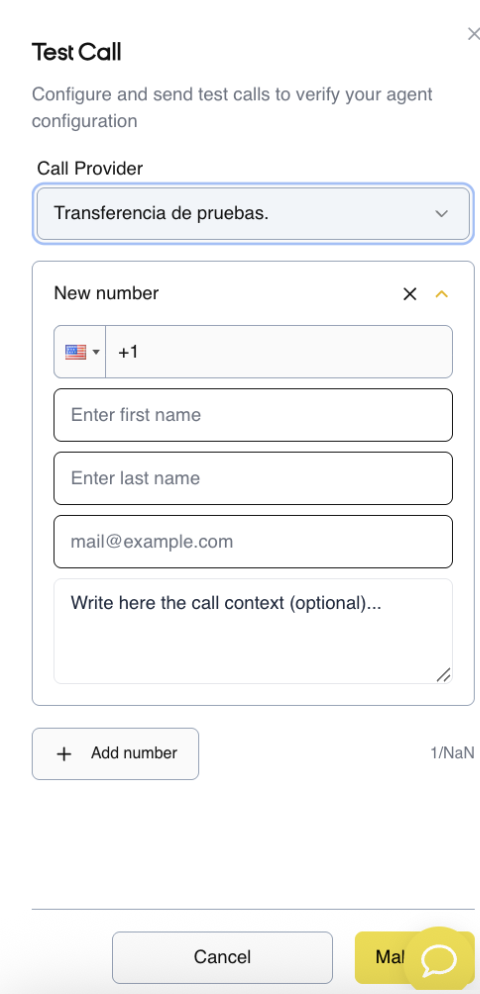
- Make a test call by entering your name
This will allow you to validate:
- Conversation flow
- Message clarity
- Agent behavior